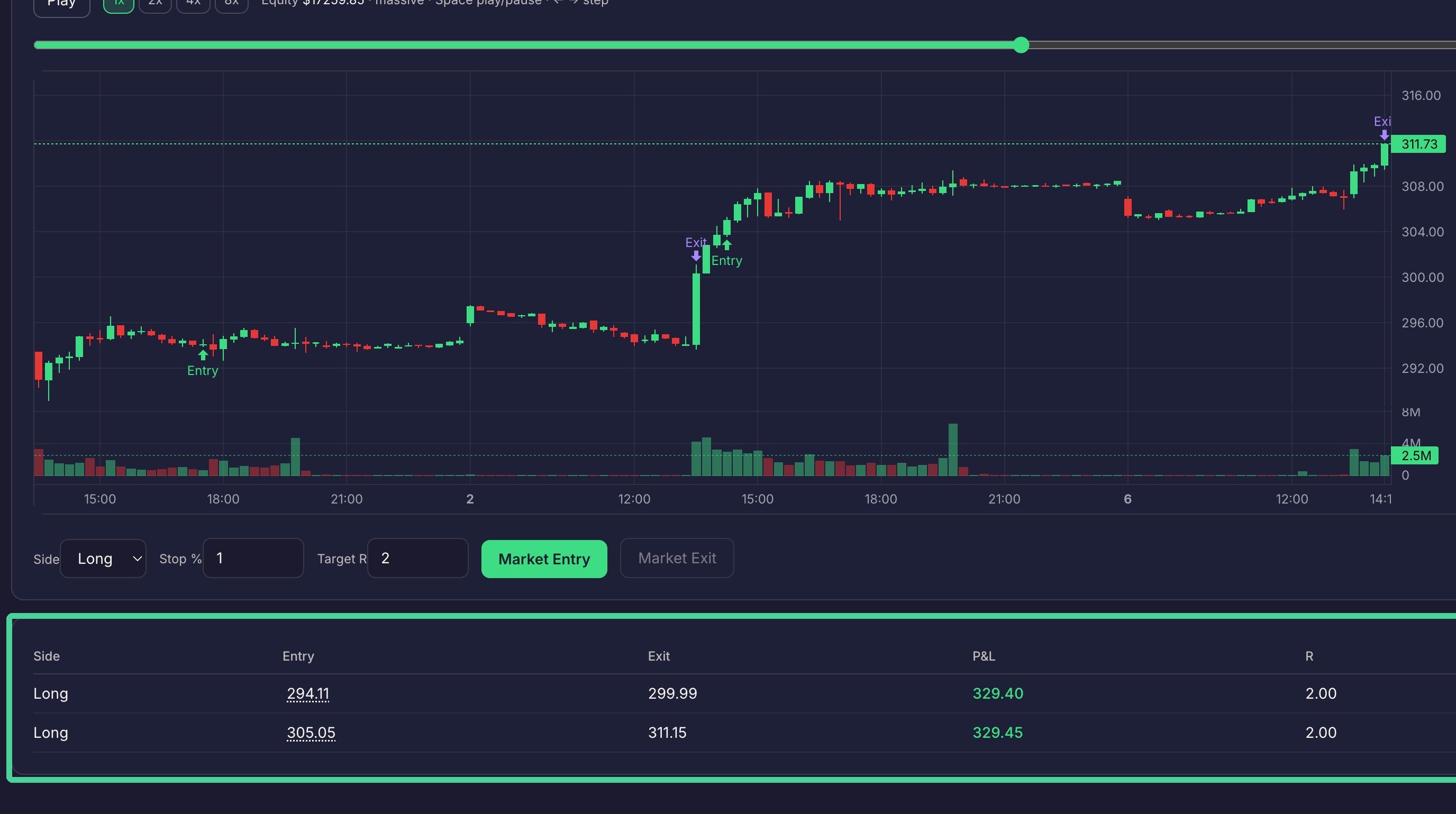
How To Run A Manual Backtest
Backtesting
How To Run A Manual Backtest
This guide walks you through the essential steps to initiate and manage a backtesting session for your trading strategy. Learn how to configure your timeline, execute trades, and control playback to effectively analyze historical market performance.
Session Setup
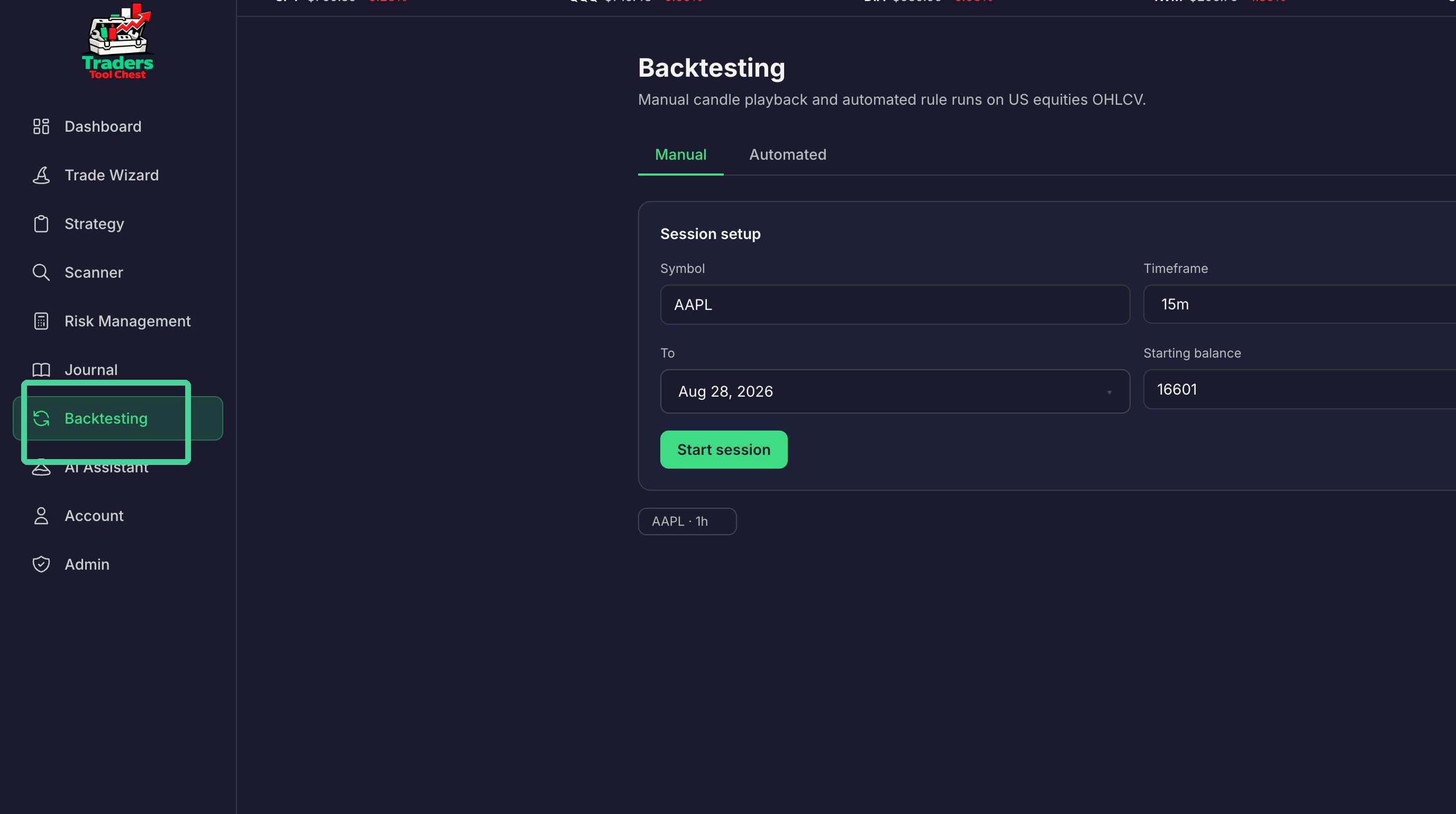
Click 'Backtesting' on the menu to the left.
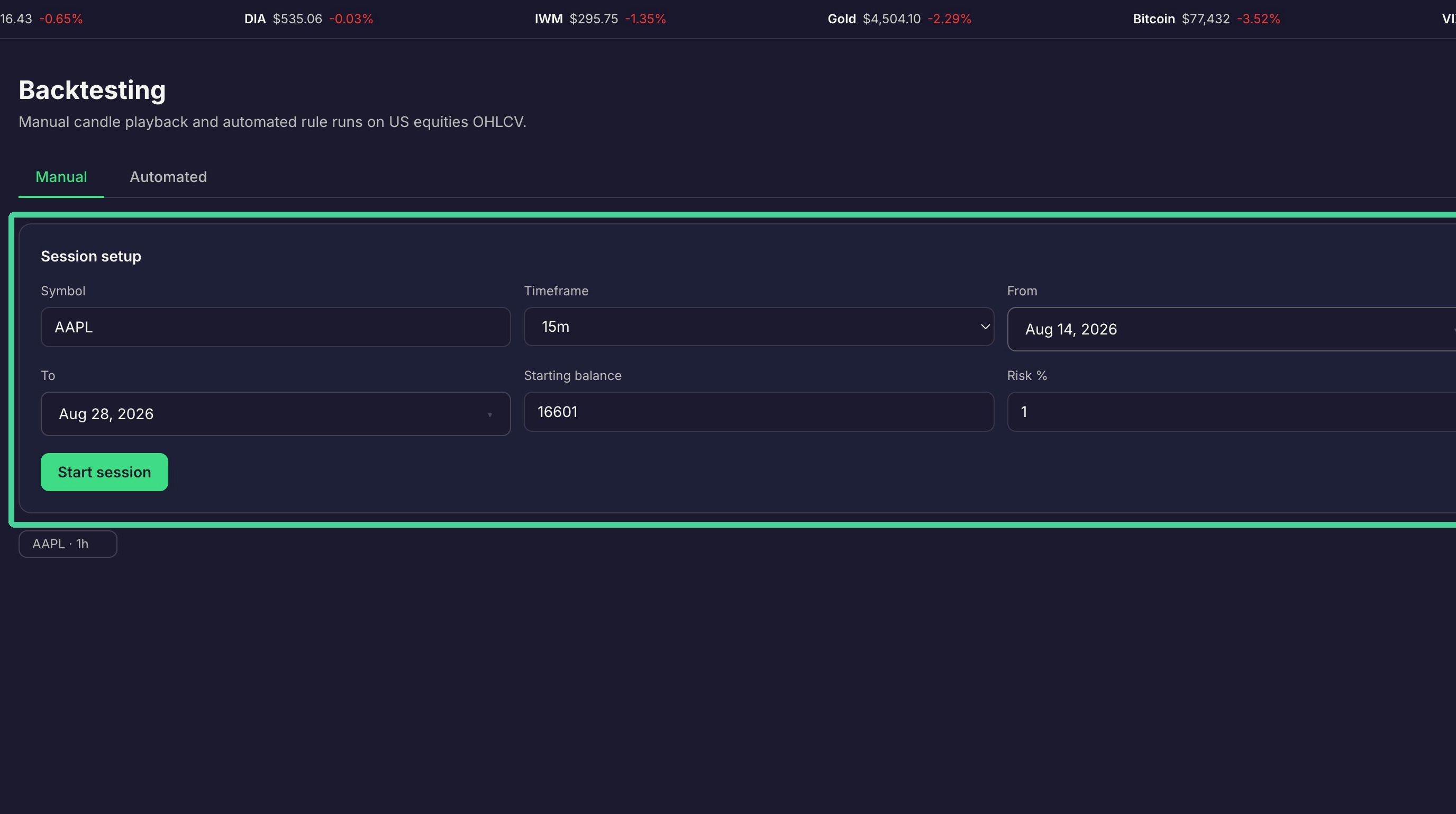
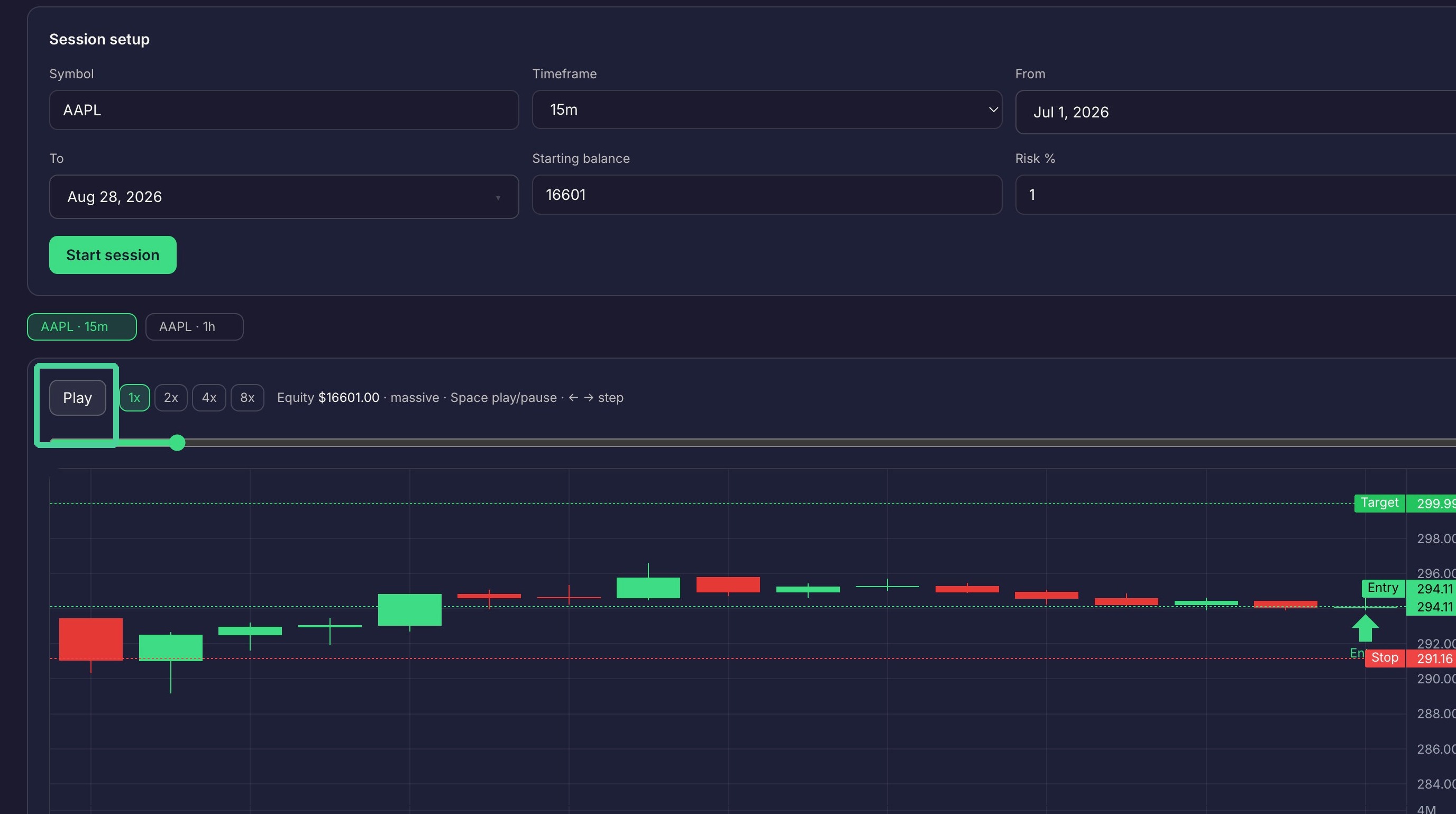
In the session setup section enter the ticker symbol you want to backtest as well as timeframe, date range, starting amount and risk percentage.
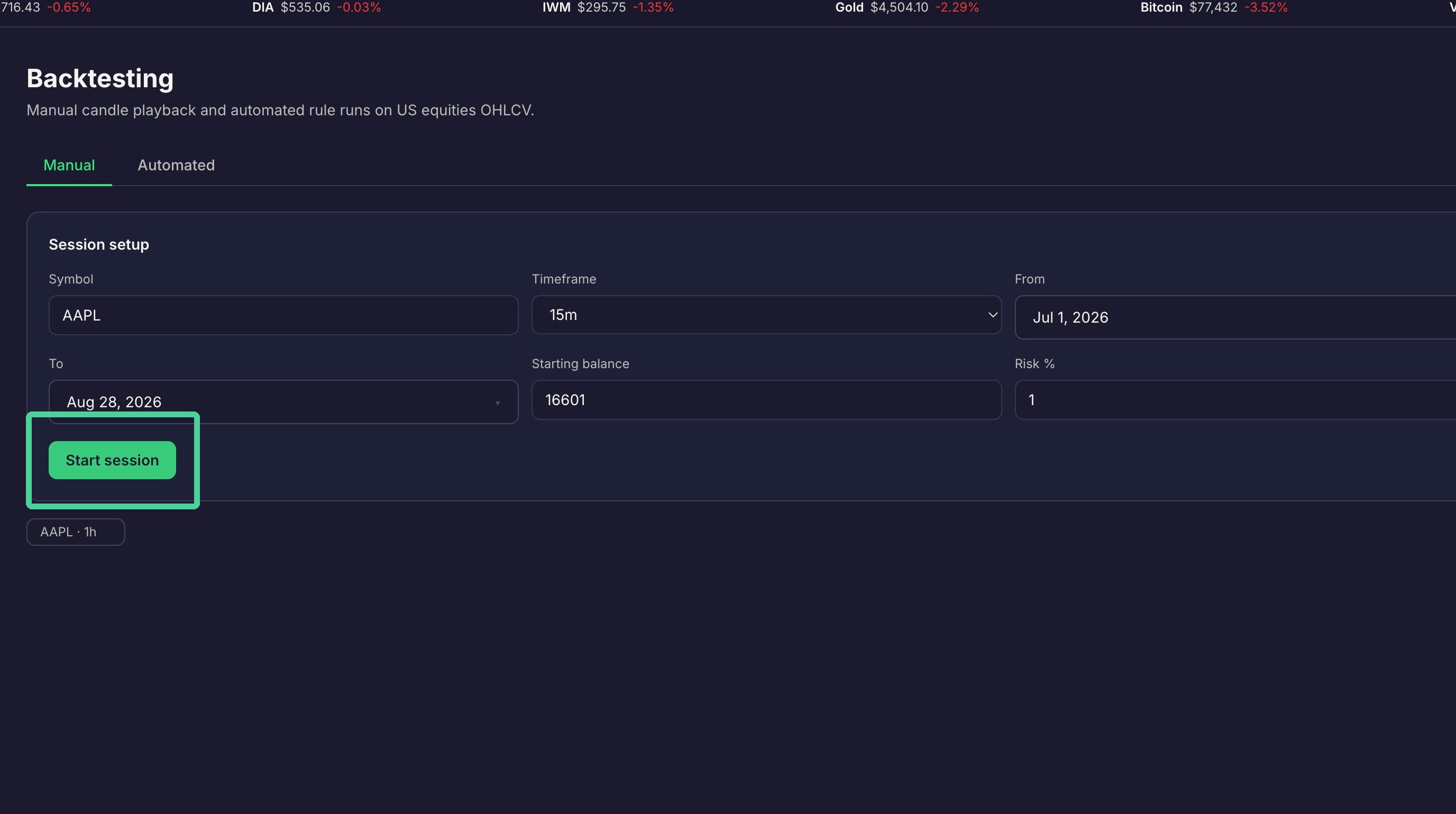
Click "Start session"
Backtest Playback
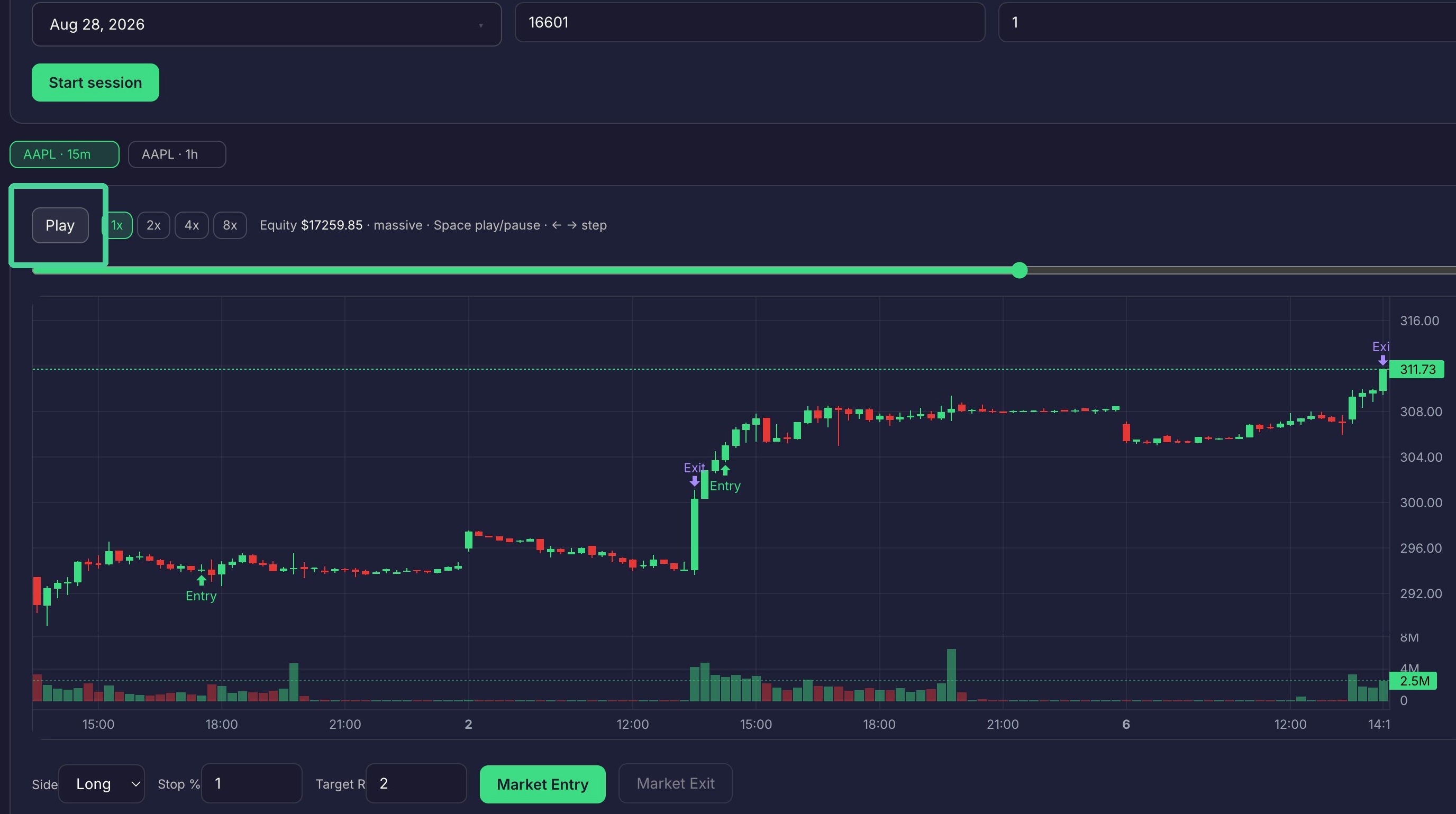
Click "Play" to start moving the chart forward in time.
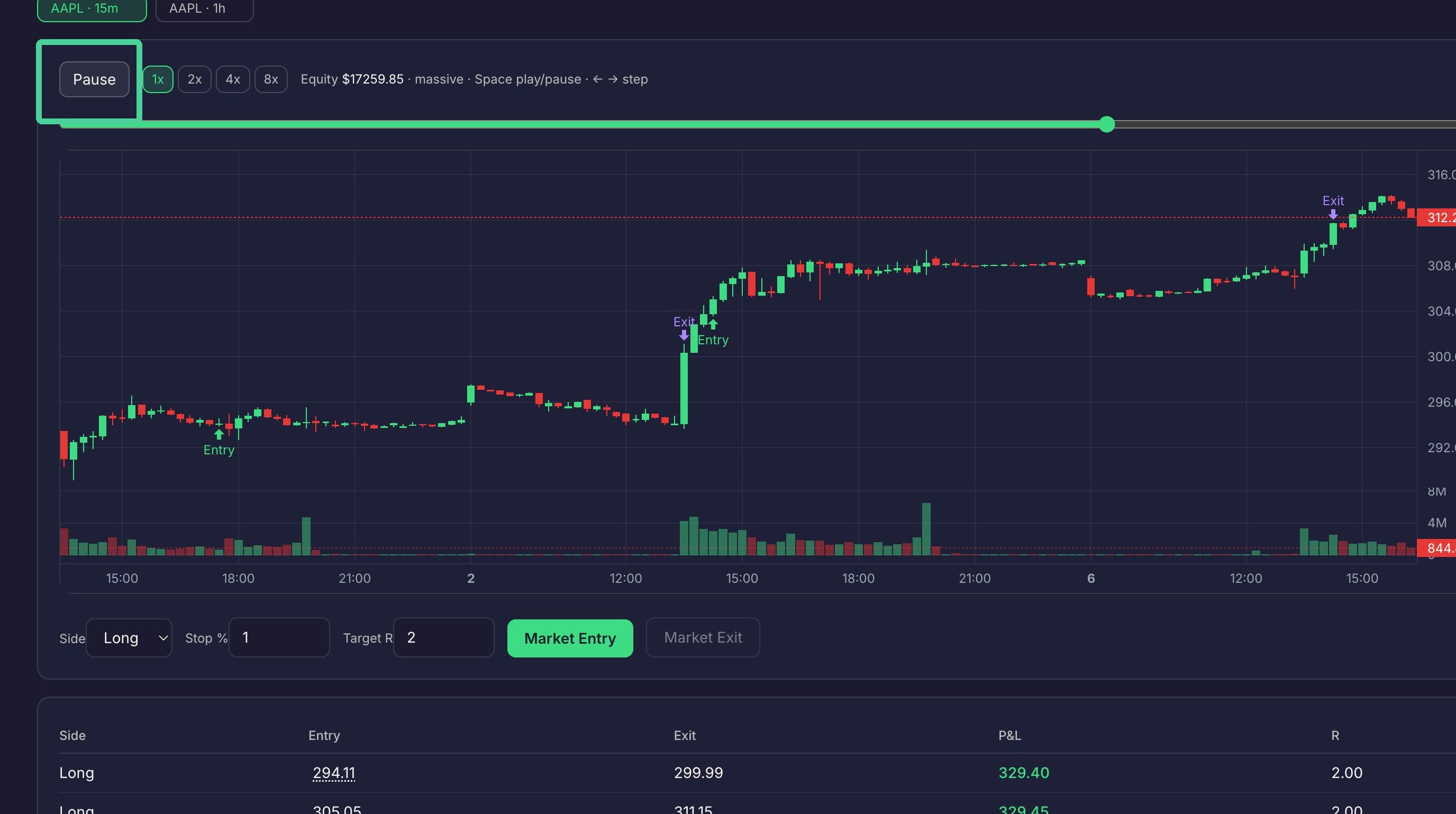
Click "Pause" to stop moving the chart forward in time.
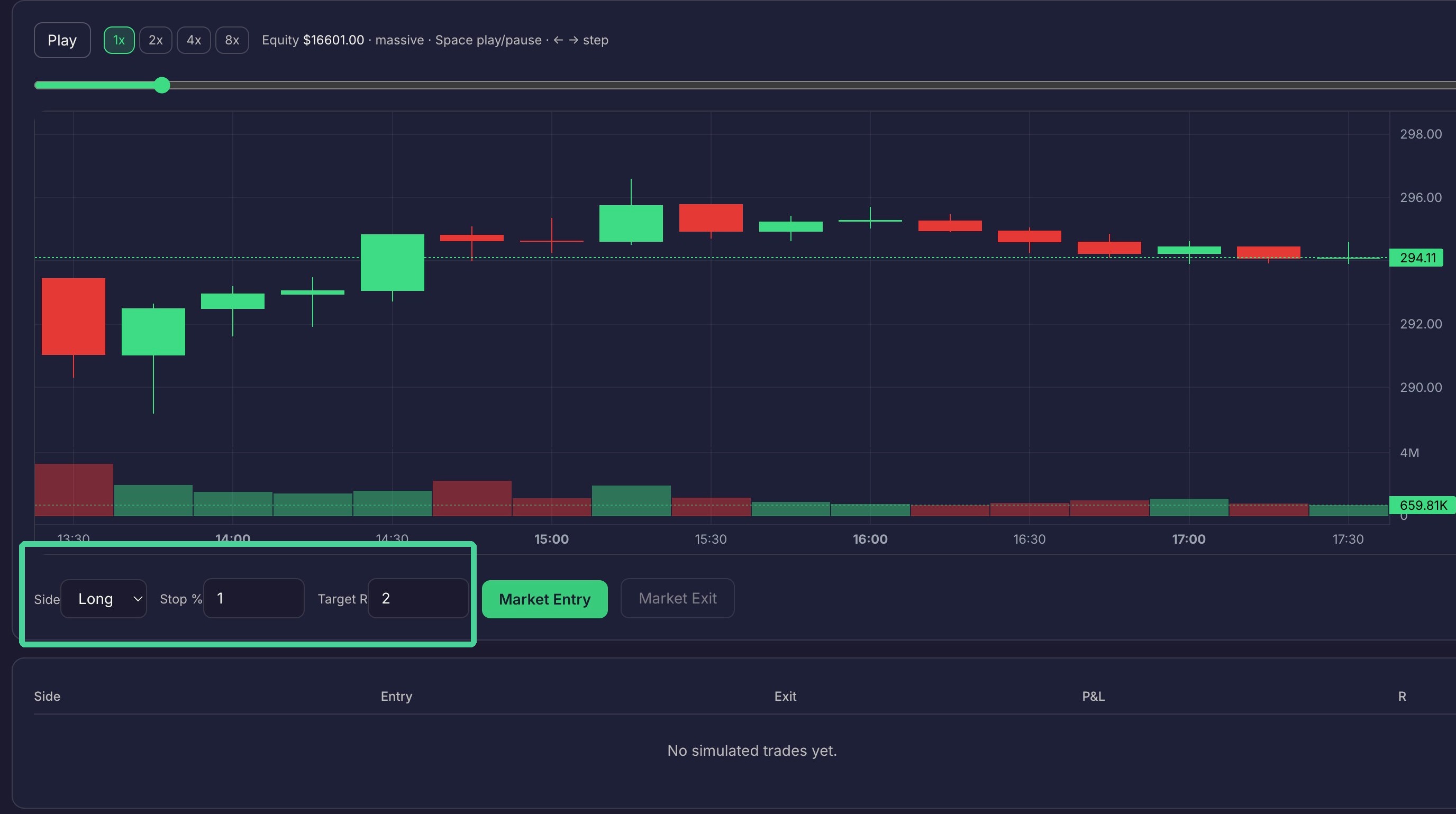
Set your stop loss, target reward and whether you are long or short.
Click "Market Entry" to place an entry position on the most recent candle.
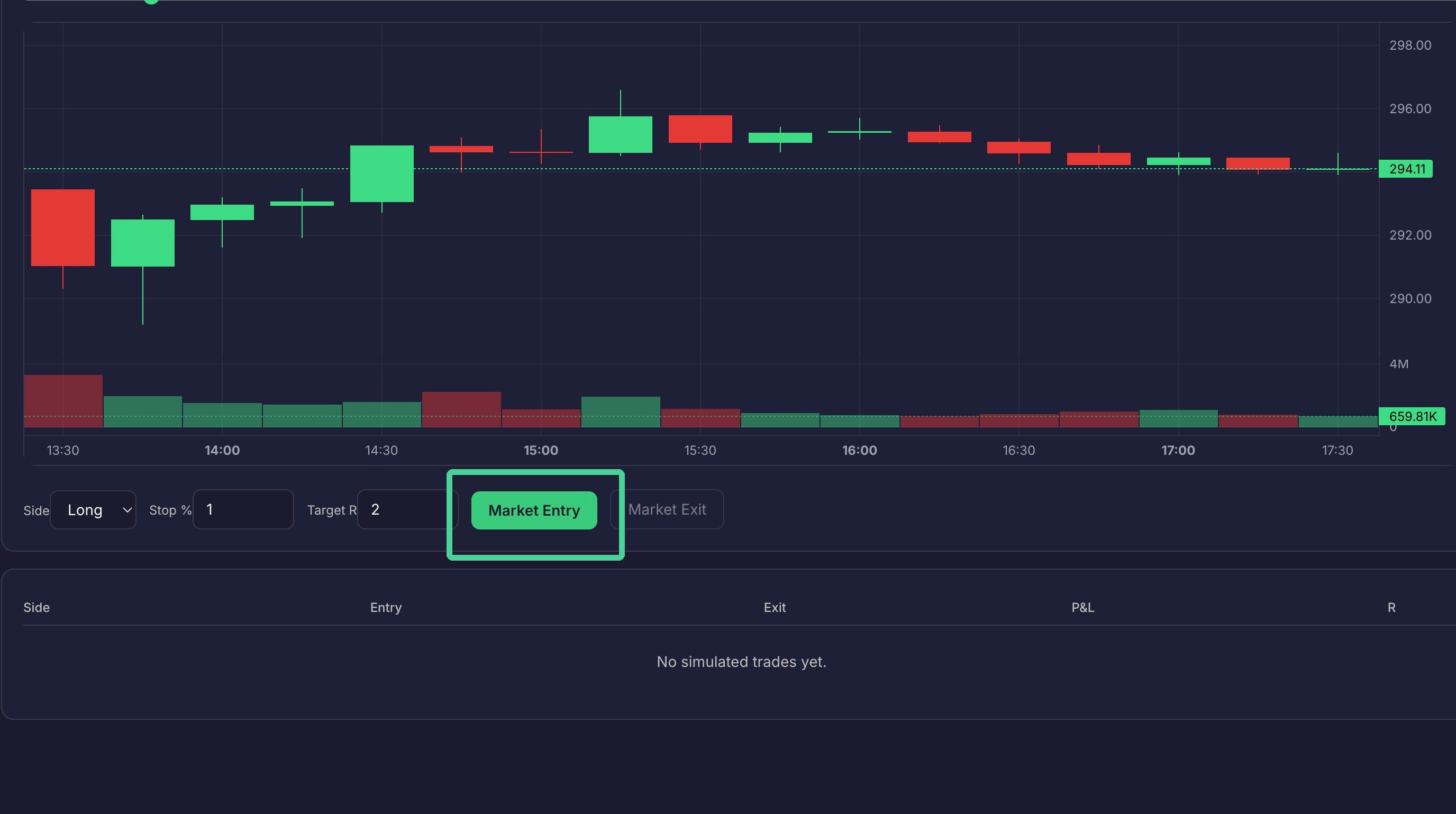
Your stop and target prices are marked on the chart.
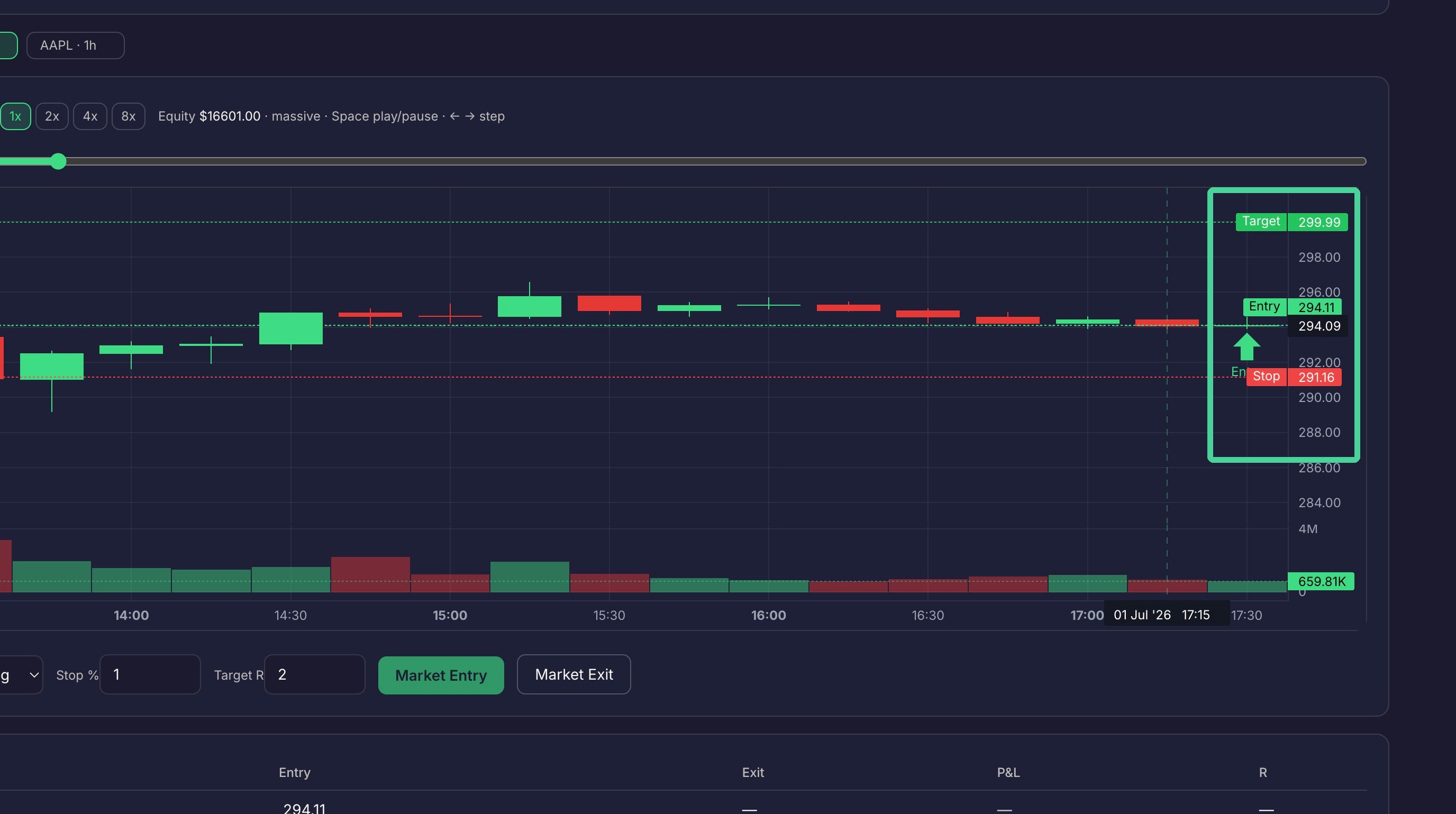
Click "Play" to advance time.
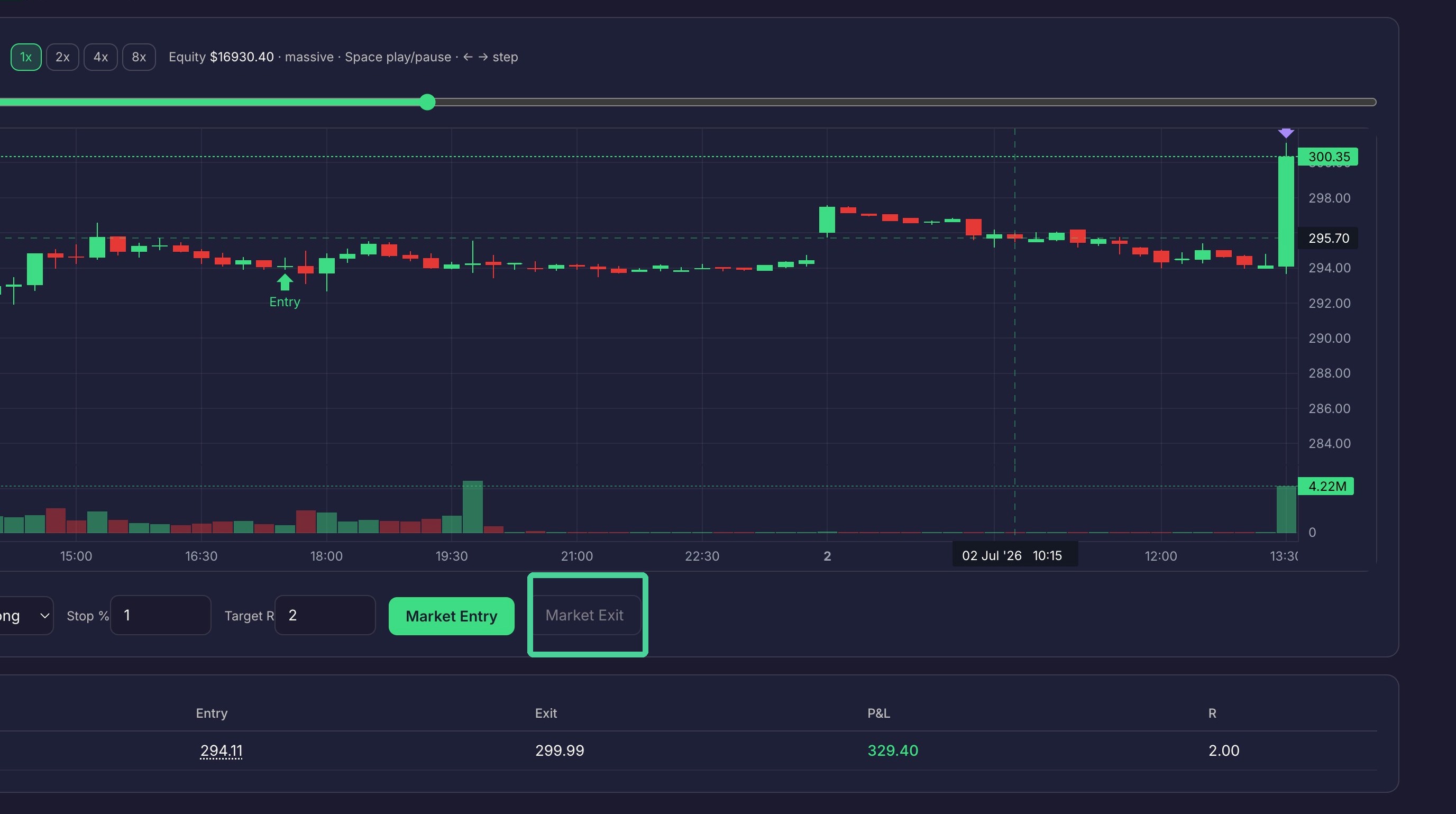
The trade will not exit unless the target or stop loss is hit. Clicking Market Exit will also exit the trade.
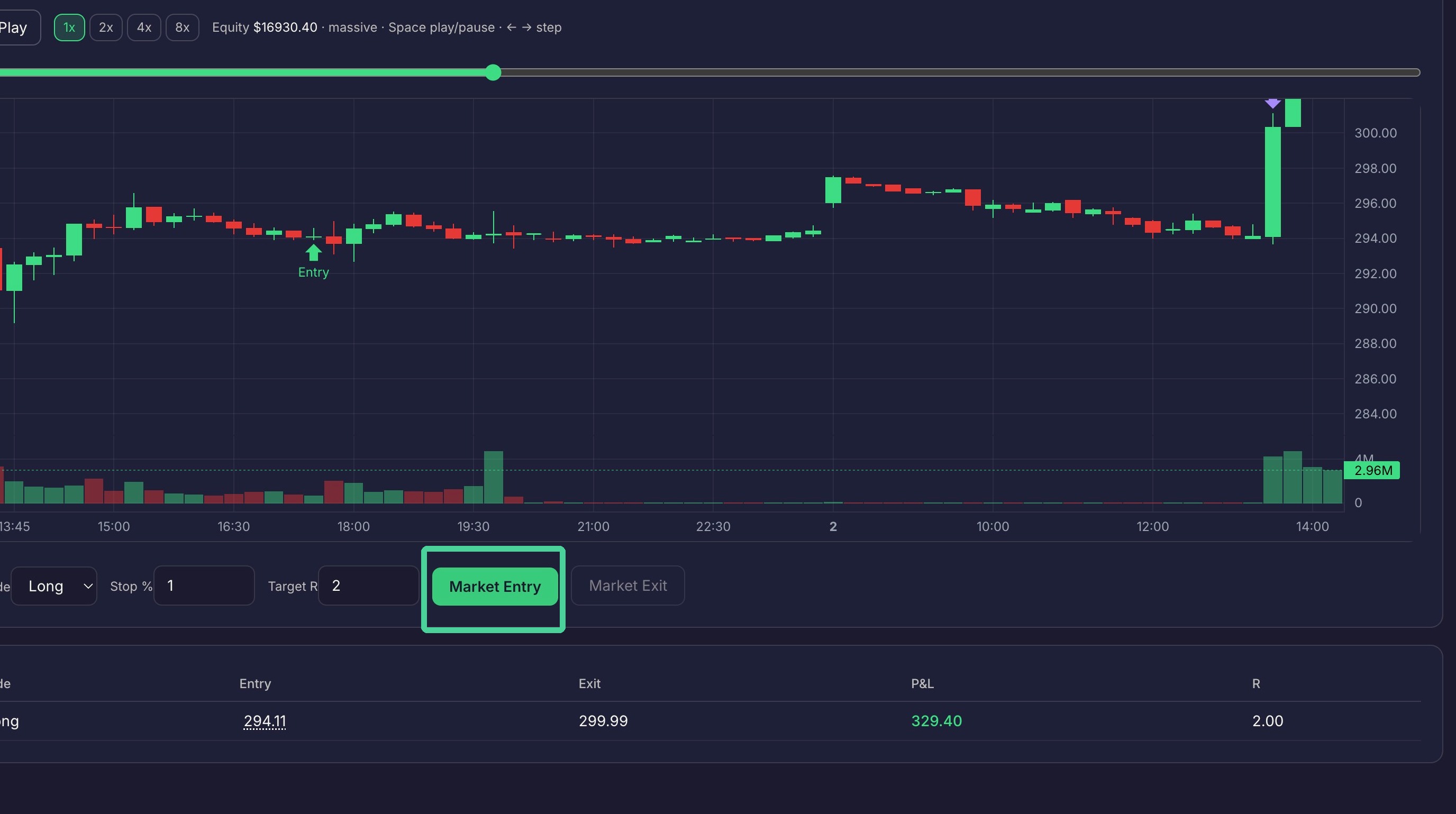
Click "Market Entry" to enter a new trade and click 'Play' to start the process again from the new entry.
Trade Review
The list of trades taken will be listed below.